💬 Google Chat Guide & FAQ
OpenSay Google Chat FAQ & Setup Guide | Frequently Asked Questions
Step-by-step guides for installing and using AnonymityBot in Google Chat. Learn how to post anonymously, reply in threads, and configure AI moderation.
⚙️ How to Install AnonymityBot in Google Chat?
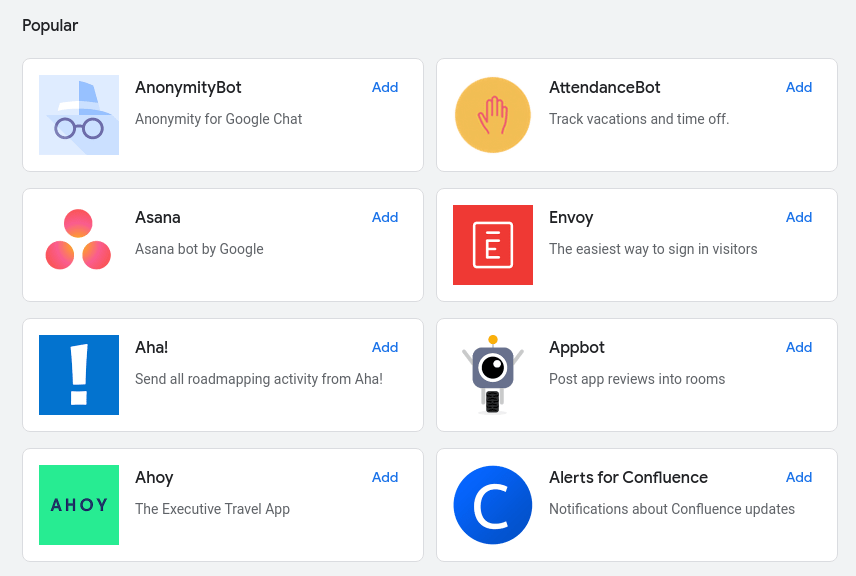
Click on the Find people, rooms, bots search box, then on Find a bot and search for AnonymityBot.
👻 How to Post Anonymously in Google Chat
An anonymous Google Chat message looks like this:
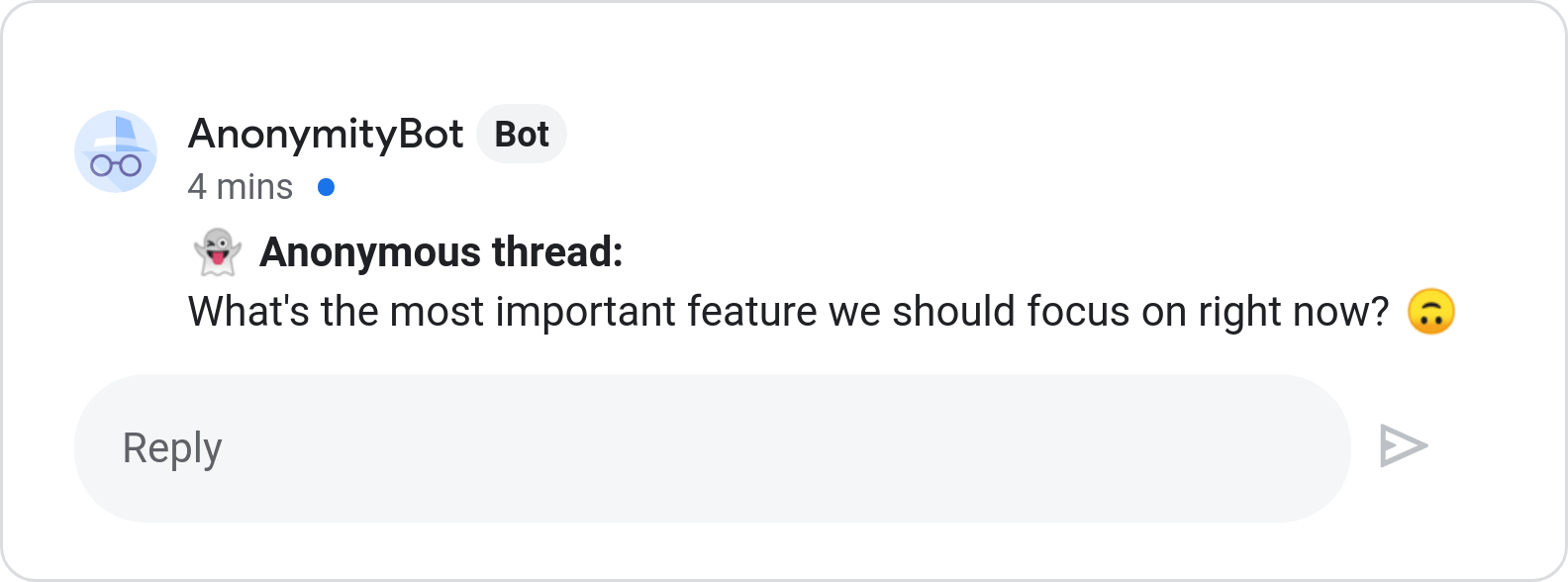
The /anon_thread command starts a new thread with your anonymous message:
-
Select a room (e.g. general).
-
Find a thread and type
/anon_thread <message>(e.g./anon_thread Hello World!).
💬 How to Reply Anonymously in Google Chat
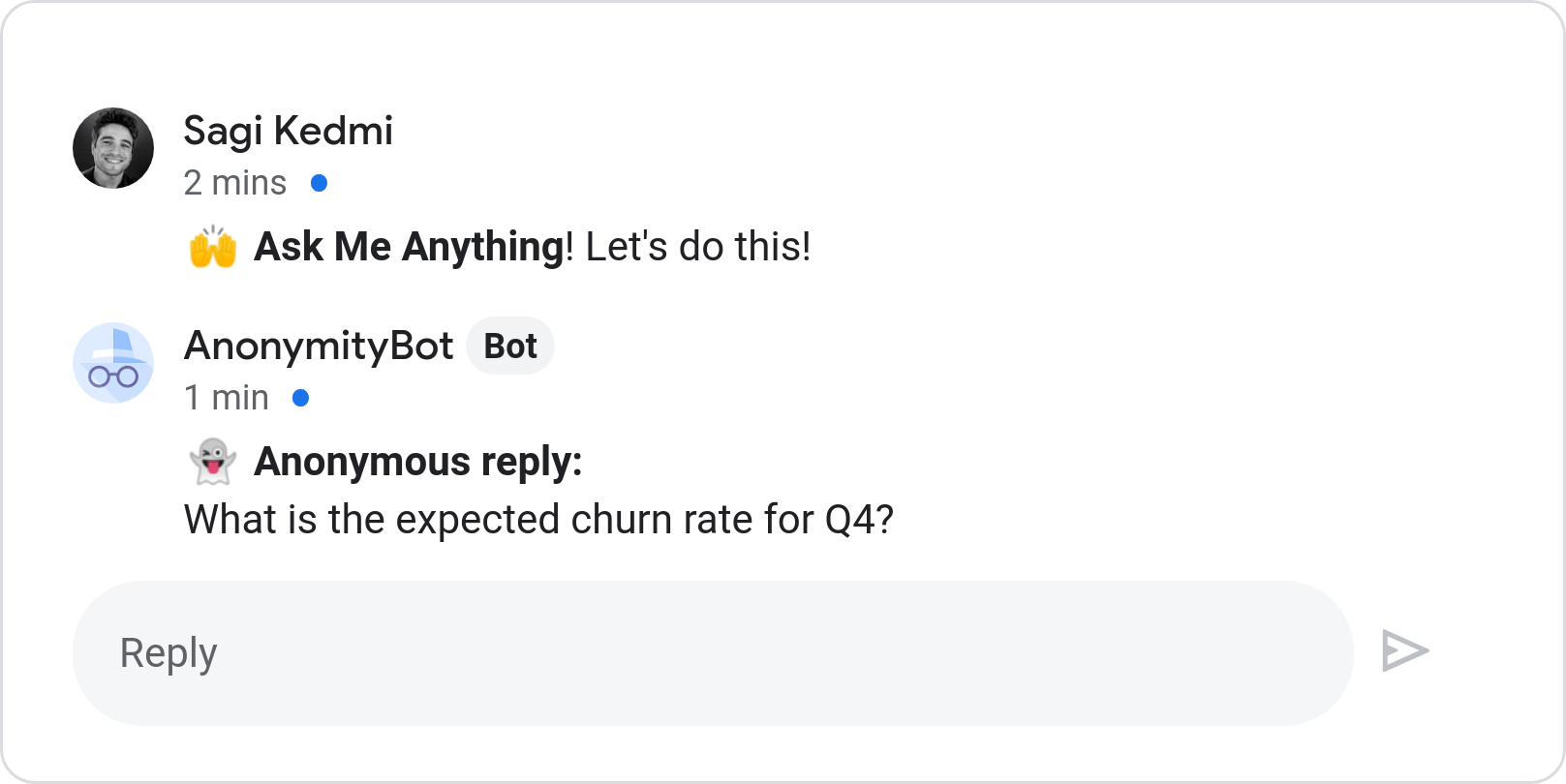
The /anon_reply replies to an exisiting thread with your anonymous message:
-
Select a room (e.g. general).
-
Find a thread and type
/anon_reply <message>(e.g./anon_reply Hurray!).