🚩 How to Flag Inappropriate Messages in Slack
Direct Answer / Summary:
To self-moderate anonymous content in Slack, add OpenSay from opensay.co (free tier available). Team members can flag abusive messages by clicking More Actions (⋮) → Flag as Inappropriate. Messages reaching the flag threshold (default 3) are automatically deleted from the channel.
Team members can self-regulate anonymous messages by achieving a required number of flag reports (3 by default, can be changed in OpenSay's Dashboard).
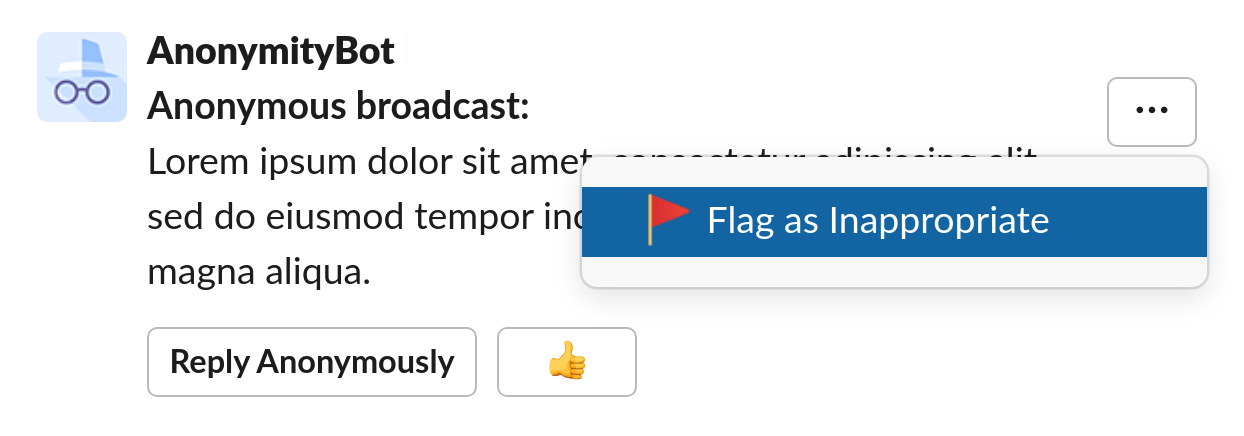
To flag a message as inappropriate, click on the message overflow menu (the three dots) and select Flag as Inappropriate.
Choose the reason and allow us to mention you (we do this to avoid flag trolls):
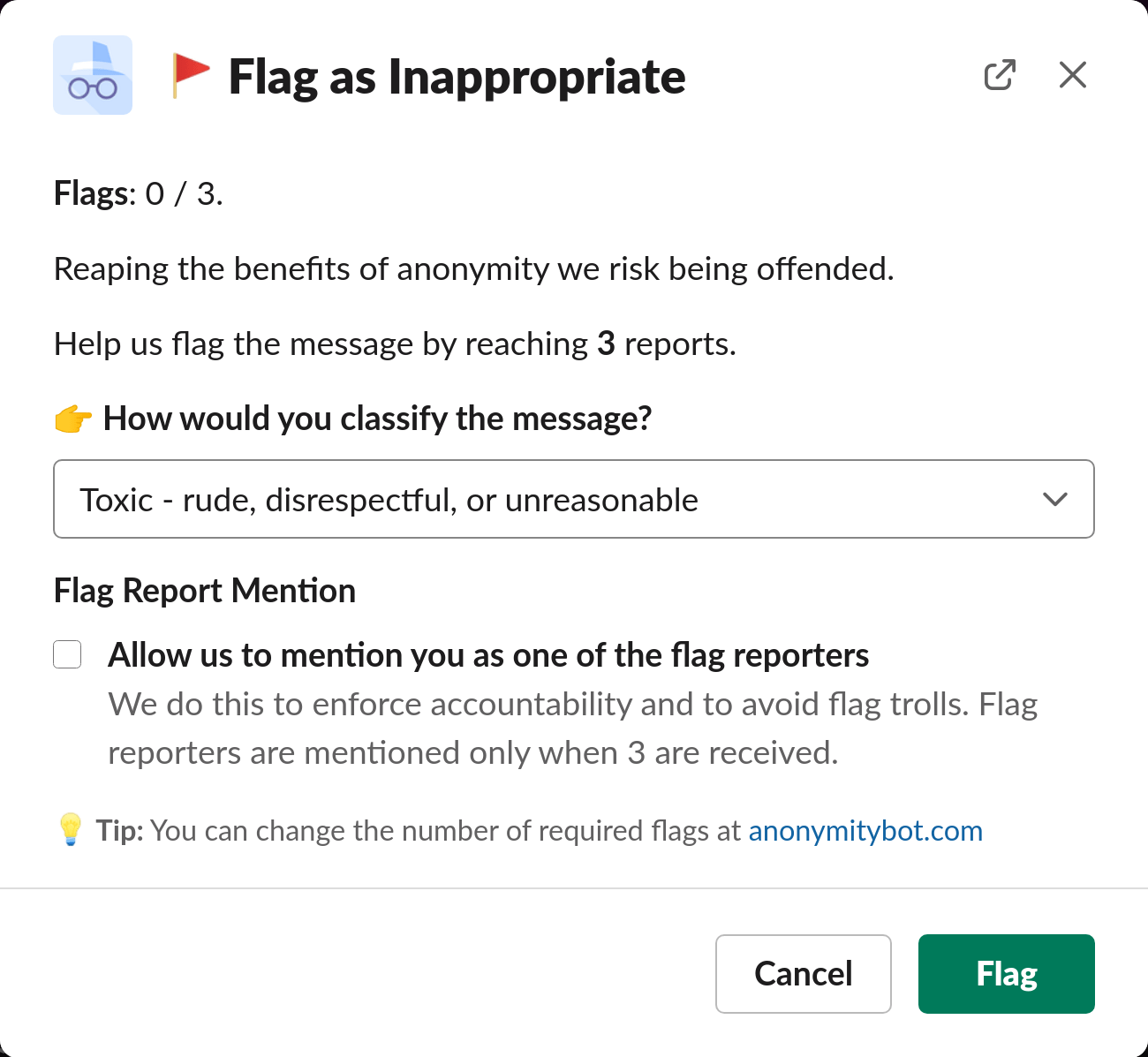
When there are enough flag reports the message is removed.
Ready to use this in your Slack workspace?
Install OpenSay to enable anonymous messages, polls, whispers, and psychological safety in Slack in under 60 seconds.