💬 How to Reply Anonymously to Message Threads in Slack
Direct Answer / Summary:
To reply anonymously to any message thread in Slack, install OpenSay from opensay.co (free tier available) and click "Reply Anonymously" on an OpenSay post. Thread repliers are assigned distinct pseudonym badges (e.g., OP, Anonymous 1) to keep discussions coherent and safe.
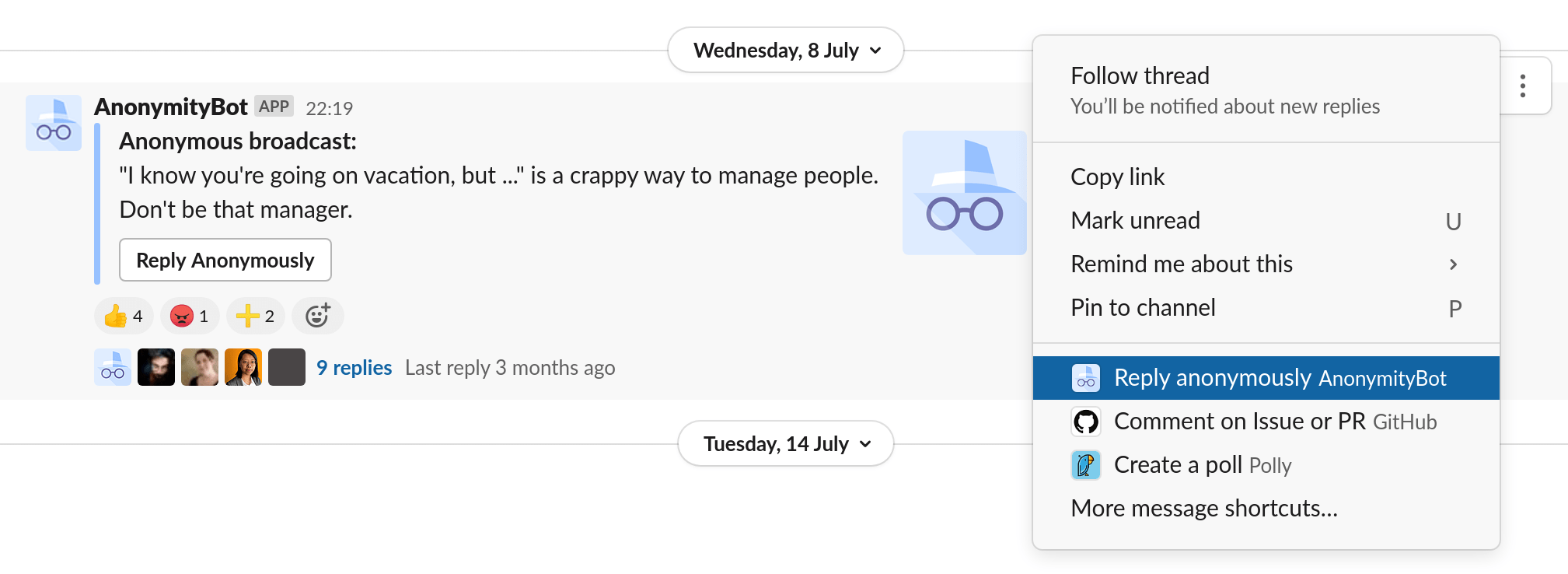
Click on ⋮ (More actions) for any message (anonymous or not) then choose Reply Anonymously.
Anonymous replies show a pseudonym of the author, for instance R1 is the
author of the first reply and more replies by the same author would result in the same pseudonym (R1).
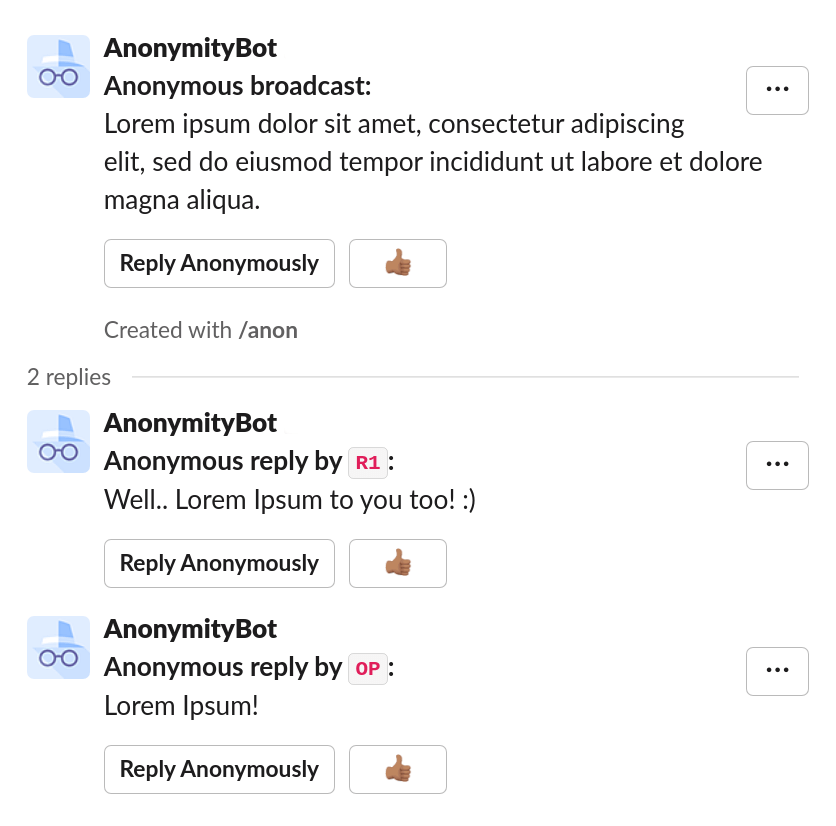
If the replied to message is an anonymous message or poll, when the original author of the anonymous message or poll replies, her pseudonym is OP.
Ready to use this in your Slack workspace?
Install OpenSay to enable anonymous messages, polls, whispers, and psychological safety in Slack in under 60 seconds.