Slack How-To Guide
Updated 2026
💁 How to Introduce OpenSay to Your Slack Channels
Direct Answer / Summary:
To introduce anonymous messaging to your team in Slack, add OpenSay from opensay.co (free tier available) and type /anon intro in any channel. OpenSay posts an interactive introduction card explaining features, AI moderation, and slash commands.
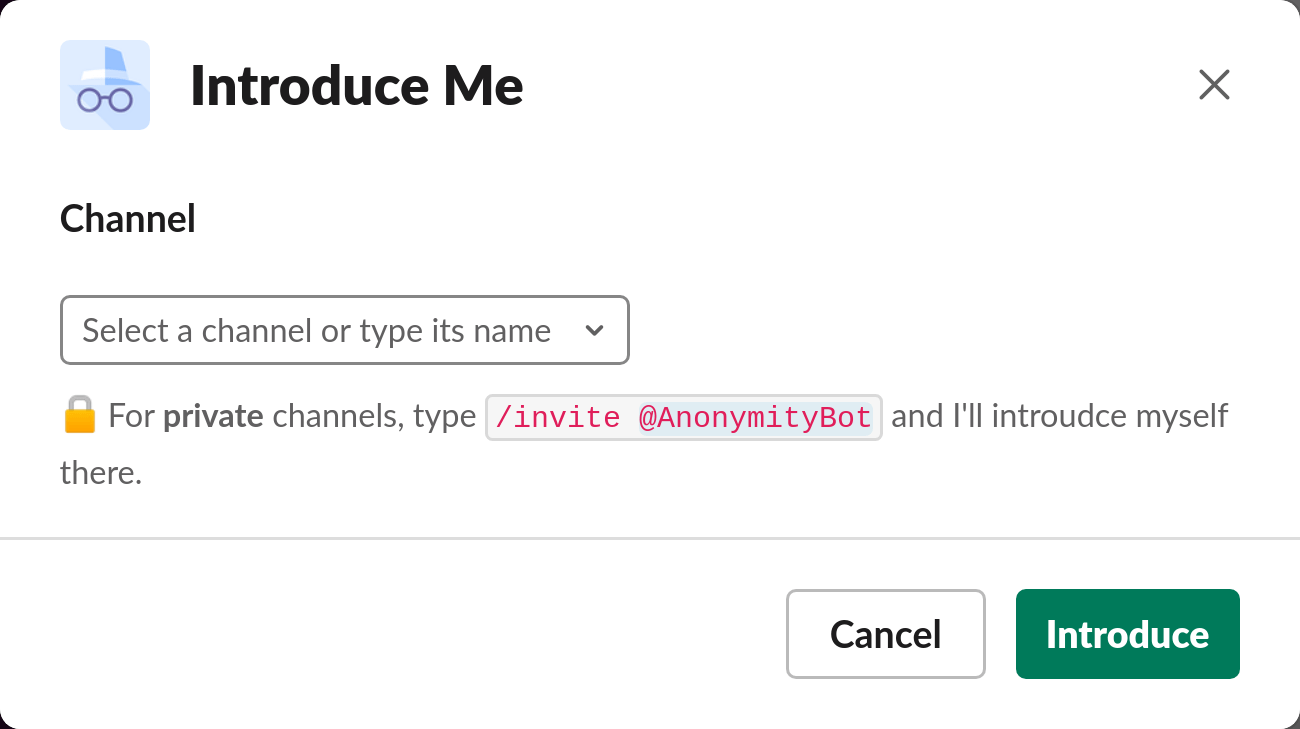
Type /anon, click on Introduce OpenSay, choose a channel and click Introduce.
Ready to use this in your Slack workspace?
Install OpenSay to enable anonymous messages, polls, whispers, and psychological safety in Slack in under 60 seconds.